Trips
The Trips module helps your team plan, approve, and track work travel in Compass. Use it when a traveler needs to visit a project, property, hotel opening, owner meeting, or other business destination.
Trips can also track estimated and actual travel costs. This is useful when your team needs clean reporting, budget comparison, or billing information for travel expenses and service fees.
Key Concepts
The Trips module has a few ideas that are important before you create or approve travel requests.
- Trip request - A planned trip entered in Compass. It includes the traveler, destination, dates, project links, travel method, purpose, and cost information.
- Approval settings - The rules that decide whether a trip needs approval. Think of them as the travel policy Compass follows when someone submits a trip.
- Actual cost tracking - A follow-up step after the trip. If this is required, the traveler or an allowed role enters the real cost of transportation and stay.
- Cost share - The percentage of travel expenses assigned to each related project. If one trip supports two projects, you can split the cost between them.
- Budget allocation - A link between travel costs and a project budget. This helps compare what was planned with what was spent.
What You Can Do In Trips
The Trips module gives staff one place to work with travel requests from planning through reporting.
- Set up trip approval and cost rules before staff start submitting travel requests.
- Create a trip request for yourself or, with permission, for another traveler.
- Review a single trip to see details, approvals, files, related projects, and actual costs.
- Use the Trips dashboard to monitor travel cost, pending approvals, upcoming trips, and calendar activity.
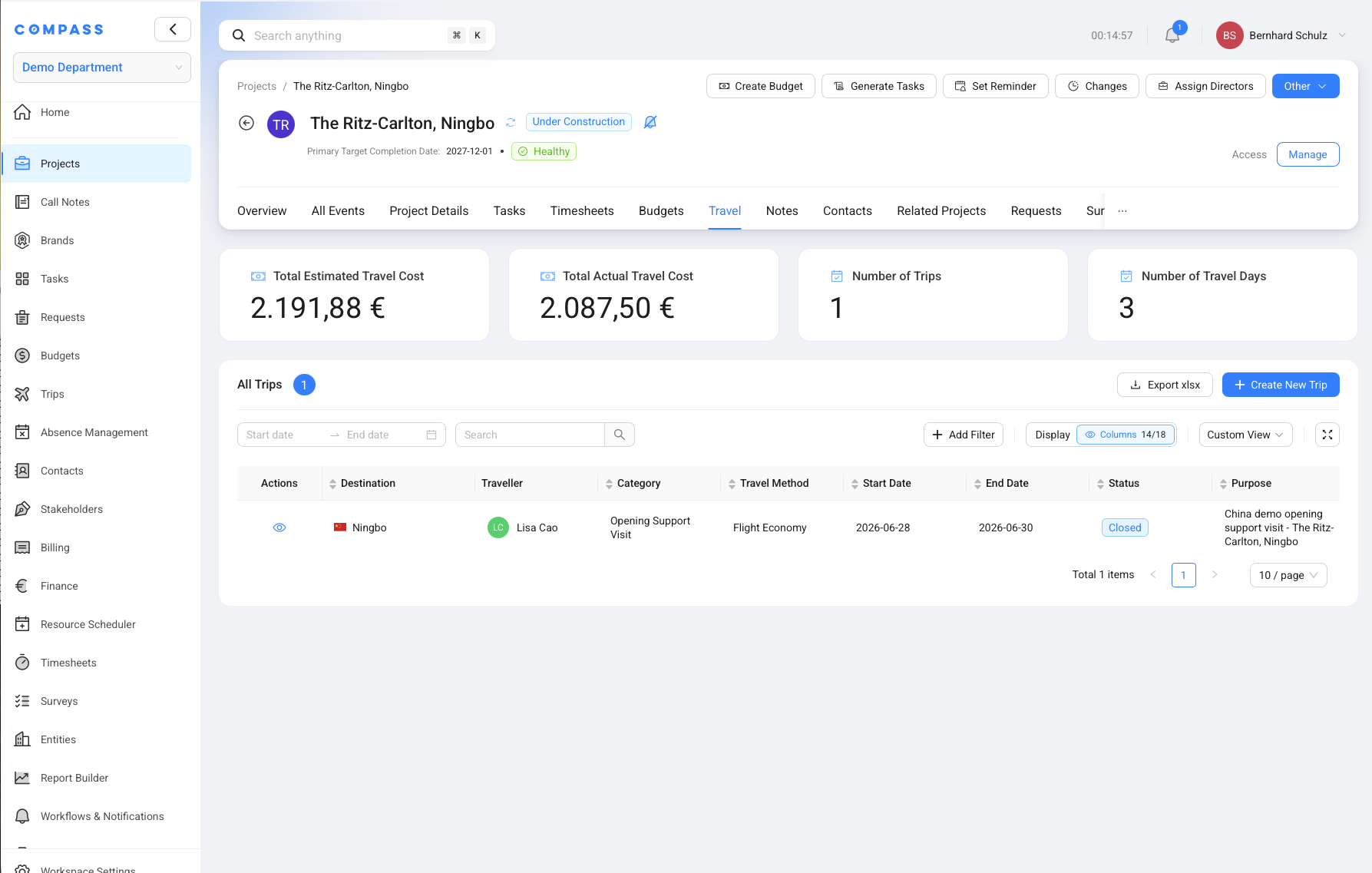
- View all trips for a project from the Travel tab in the project single view.
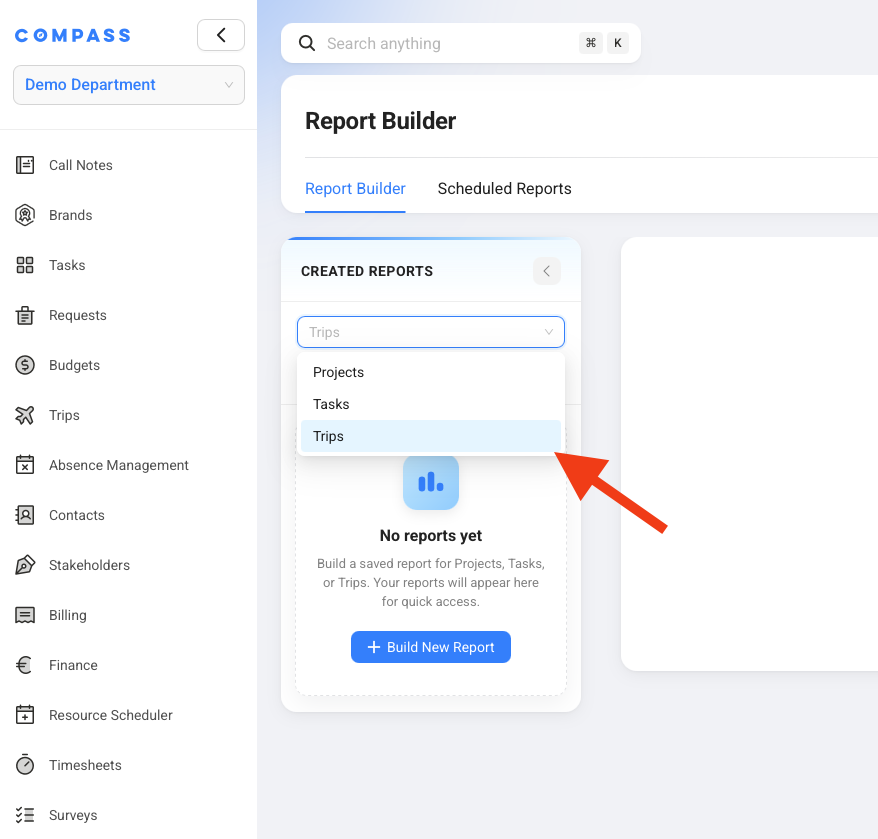
- Build reports and scheduled reports from Trips data in Report Builder.
How Trip Approval Works
Trip approval in Compass is decided in layers, so your workspace can have a clear default and still handle exceptions.
First, workspace administrators set the baseline in Trips -> Settings. This says whether first approval and second approval are required by default. It also controls whether staff must enter a purpose of travel, estimated costs, and actual costs.
Second, administrators can add approval rules. A rule can say that matching trips need approval, skip approval, or use the default. For example, business travel above 2,000 EUR can require approval even if the normal default does not.
Third, a user profile can override the module and rule settings for that one user. This is useful for senior managers who never need approval, or for users whose trips should always be approved.
How Trips Connect To Other Modules
Trips works closely with Projects, budgets, billing, finance, and reporting because travel often affects project cost.
- Projects: A trip can be connected to one or more projects. Each project can then show related trips on its Travel tab.
- Budget Estimator: Project budgets can be used for travel expenses and travel time when the project blueprint requires budget allocation.
- Billing: Travel expenses and service fees can support later billing when your team charges travel back to a project or third party.
- Finance: Estimated and actual travel values help explain project cost and income.
- Report Builder: Trips can be used as a report source for saved reports and scheduled Excel reports.
- User Management: Roles decide who can open Trips settings, create trips for others, track actual costs, and manage option lists.
Quick Reference
Use this Trips quick reference when you need to know where common travel work happens.
| Action | Where to Find It |
|---|---|
| Open the Trips dashboard | Trips -> Dashboard |
| Create a trip | Trips -> Dashboard -> Create new trip |
| Set trip defaults | Trips -> Settings -> Trip Settings |
| Add an approval rule | Trips -> Settings -> Approval Rules |
| Add trip custom fields | Trips -> Settings -> Define Custom Fields |
| Set per-user approval overrides | Users & Roles -> Users -> Base Information -> Trips Settings |
| Allow trips for other travelers | Users & Roles -> Roles -> Module Permissions -> Trips |
| View project trips | Projects -> Open Project -> Travel |
| Report on trips | Report Builder -> Trips |